
Would the biggest channel list still be the best deal if it didn't work on your television or required you to change internet providers? There's no single best IPTV subscription in Canada. The right choice fits your address, devices, must-have channels, and total household budget.
Start with your viewing needs, not the provider name. Standalone IPTV-style services and cable-replacement bundles from Bell, TELUS, Rogers, Videotron, and VMedia involve different commitments. ROVE Canada is one option to evaluate alongside the others, not an automatic winner. Videotron deserves particular attention from Quebec and French-language viewers.
Apply the same buyer checklist to every service:
- Price transparency: Compare the total charge, taxes, equipment, and add-ons.
- Trial and refund terms: Separate free access from a paid subscription with refund conditions.
- Device support: Confirm the exact television, streaming device, and app.
- Simultaneous connections: Count concurrent viewers, not just registered devices.
- Availability: Check your address and any required internet bundle.
The comparisons below identify what each option offers, who it suits, its trade-offs, and what needs confirmation before payment. Advertised discounts, displayed Google ratings, and streaming-performance claims aren't treated as independently verified facts. A trial on your own equipment is more useful than an unsupported ranking.
Table of Contents
- 1. Rove IPTV Canada
- 2. VMedia TV
- 3. RiverTV
- 4. Bell Fibe TV
- 5. TELUS Optik TV
- 6. Rogers Xfinity TV / App TV
- 7. Videotron Helix TV
- How the seven options compare on trial or refund terms and device support
- Test, Verify, and Compare Before You Commit
1. Rove IPTV Canada
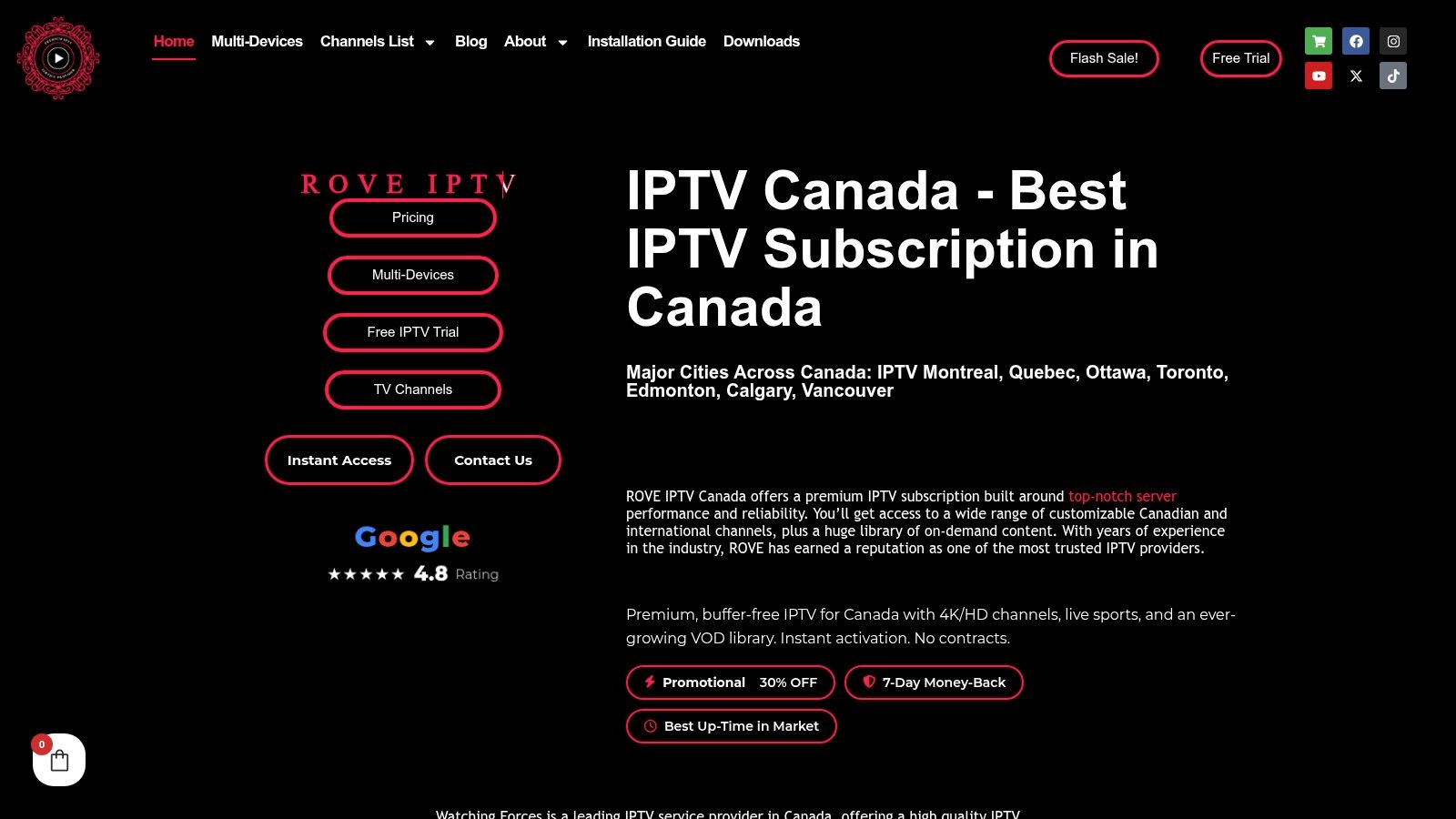
What it is: ROVE Canada combines Canadian and international live channels, sports, news, and on-demand entertainment. Our library supports browsing by language, country, genre, popularity, and release year, which helps households with different viewing preferences find relevant content.
Best for: Viewers who want live television and on-demand programming in an IPTV player rather than a conventional cable package. Our subscriptions offer one to five simultaneous connections, so household members can watch different programmes on separate screens.
Setup and the buyer checklist
Our setup process starts with selecting a channel package. You then receive login credentials, install an IPTV player application, enter the activation information, and begin streaming. The Canadian IPTV subscription guide provides additional buying and setup context.
- Trial and refund: We offer a 24-hour trial without a credit card and a seven-day money-back guarantee. Review the applicable refund conditions before choosing a paid term.
- Devices and apps: Supported categories include Smart TVs, Firestick, Android boxes, phones, tablets, Windows laptops, and Mac computers. The advertised device list also includes MAG, Formuler, Chromecast, Apple TV, and Roku; confirm the player and installation route for your exact model.
- Billing: Subscriptions are advertised in Canadian dollars with applicable taxes included, without contracts or automatic payments. Confirm the final package total before payment.
- Availability: The service uses an internet connection rather than a traditional cable connection. Test it from the household and network where you'll watch.
Trade-offs: Channel breadth doesn't establish whether a particular event, regional feed, or language track will meet your needs. Nor should advertised high-resolution options be read as a promise that every programme is available at that resolution.
We operate locally hosted, fibre-connected servers and provide WhatsApp contact. However, infrastructure descriptions, continuous-monitoring claims, instant activation, and round-the-clock assistance don't independently establish playback performance.
Trial priority: Test your actual sports channels, programme guide, and simultaneous screens before choosing a longer subscription.
Current discount eligibility and displayed Google-review details still need independent checking. Neither should replace a device test or clear written subscription terms.
2. VMedia TV
A traditional channel guide can matter more than a huge content catalogue. VMedia TV is worth considering if you want Canadian broadcast and specialty channels, with themed selections rather than an entirely fixed lineup.
What it is: VMedia's television service offers internet-delivered TV, Premium Flex programming, additional theme packs, à-la-carte choices, and multicultural options. Best for: Households that prefer familiar television navigation but want some control over the categories they buy.
Compare the package at your address
The main distinction is eligibility. Don't assume that a package shown online is available independently of VMedia internet at your home. Enter your address and establish which service configuration the quote covers.
- Price transparency: Request the base package, chosen theme packs, equipment, and applicable taxes as separate line items.
- Trial and refund: Confirm whether you're receiving a trial, a cancellation window, or an ordinary paid subscription. These aren't interchangeable.
- Device support: Check the exact supported streaming device and whether its app includes all subscribed channels.
- Connections: Establish the simultaneous viewing allowance, including any difference between in-home and away-from-home use.
- Availability: Verify the internet requirement for your address and package type.
Trade-offs: Flexible channel themes are useful only when they contain the channels you watch. Adding several packs can undermine the reason for choosing a configurable package.
Before subscribing, give support a short list of must-have channels and your device models. Ask for a written answer about eligibility, billing, cancellation, and equipment returns. That response is more useful than general praise or complaints in customer reviews, which may concern a different package or service arrangement.
3. RiverTV
RiverTV is the app-first alternative for viewers who don't want to change internet providers. It makes more sense as a deliberately smaller live-TV service than as an assumed replacement for every cable channel.
According to RiverTV's service website, it advertises 25+ channels, on-demand programming, and a 30-day free trial without requiring a particular internet provider. Optional channel additions can broaden the package, but the base lineup should still be your starting point.
Best for: Someone who wants straightforward live entertainment and on-demand viewing through a supported app. It's less suitable if your decision depends on a specific premium sports network that isn't listed.
A longer trial is useful only if you test the channels you'll pay for, not just whatever happens to play on the home screen.
Check the smaller-lineup trade-off
What to confirm before subscribing: Check whether your preferred channels belong to the base subscription or an add-on. Then verify that the app is available for your exact streaming device, not merely another device from the same manufacturer.
- Billing and trial: Record when free access ends, whether payment details are required, and how to cancel before a paid renewal.
- Screens: Confirm the simultaneous-stream allowance and whether household members can watch different channels.
- App behaviour: Test sign-in, subtitles, programme navigation, and recovery after closing the app.
- Total cost: Include the add-ons you need rather than comparing the advertised starting package alone.
Trade-offs: A smaller lineup can be easier to manage, but it won't help if you still need another service for your main programmes. Don't assume a low entry price means a lower total entertainment bill. Compare the complete combination you'd keep.
4. Bell Fibe TV
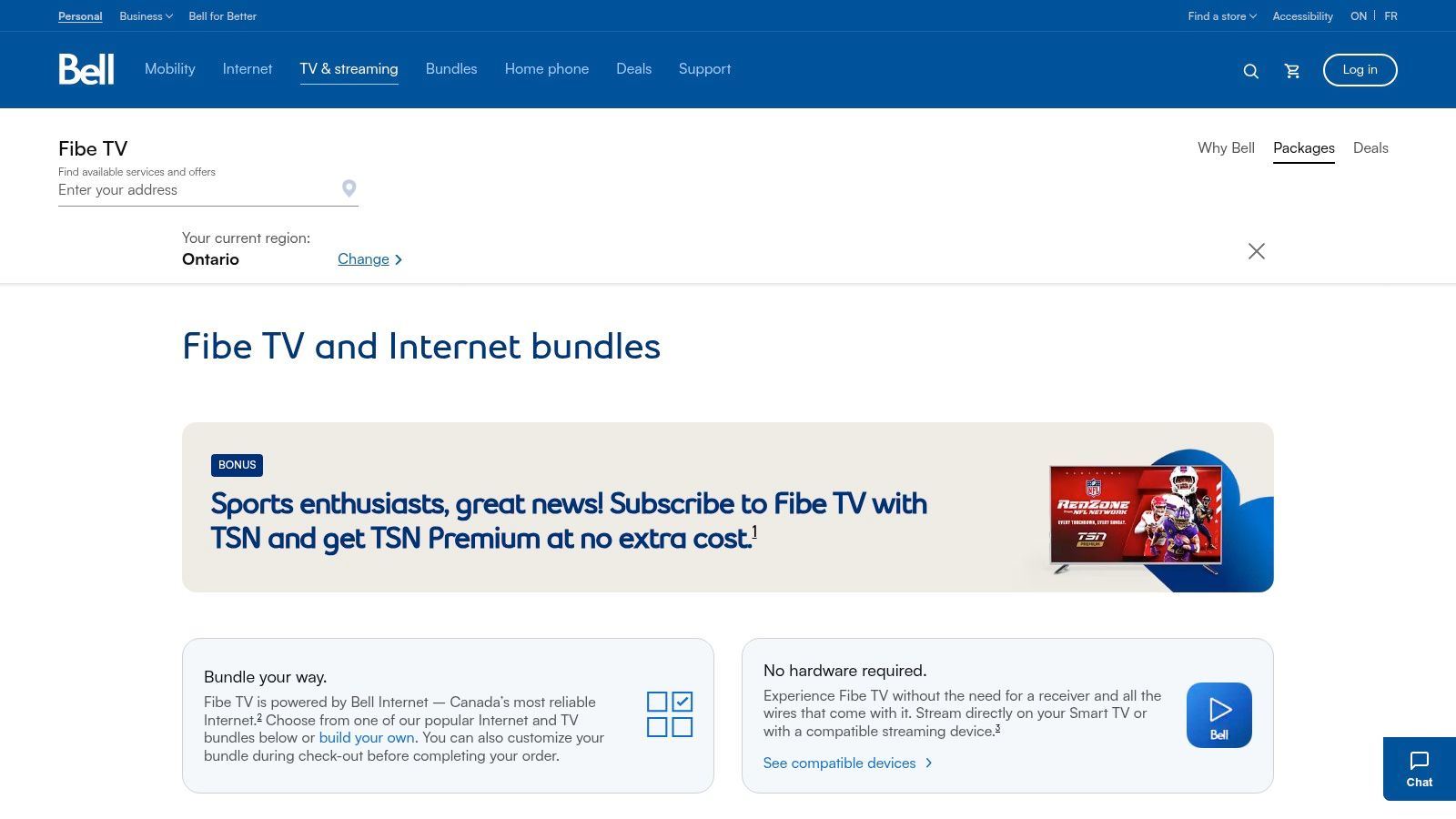
Bell Fibe TV suits buyers who want a conventional television package with app access attached. It shouldn't be treated as interchangeable with an independent IPTV-player subscription.
What it is: Bell's Fibe TV packages combine live television, on-demand programming, and customizable channel selections. Eligible subscribers can also use supported app features, including viewing away from the main television, subject to their service conditions.
Best for: Households that value a familiar guide, integrated television equipment, and the possibility of combining TV with other Bell services. Existing subscribers should distinguish their app access from whatever standalone subscriptions are currently available to new customers.
Compare the full bill, not the TV headline
Bell's standalone Fibe TV app package is no longer offered to new customers, so don't base a purchase on older descriptions of that option. Confirm the currently available service at your address and whether it requires Bell internet.
- Price transparency: Separate the television charge from internet, equipment, promotional credits, and premium channels.
- Trial and refund: Ask about cancellation conditions, installation charges, and any equipment-return obligations.
- Devices and connections: Confirm supported app devices and the concurrent viewing rules for your subscription.
- Availability: Obtain an address-specific quote rather than relying on a general package advertisement.
Trade-offs: Bundling can simplify billing, but it can also make the television cost harder to isolate. The IPTV versus cable cost comparison for Canadian homes offers a useful framework for separating those expenses.
Before accepting an offer, request both the promotional total and the ongoing total. Also establish what happens to the remaining services if you later cancel television or change internet providers.
5. TELUS Optik TV
Start with the channel packs you need, then build the package. That approach fits TELUS Optik TV better than selecting the largest advertised bundle and removing extras afterwards.
What it is: TELUS Optik TV offers live television, themed channel selections, premium additions, and supported app viewing. Packages can be combined with TELUS internet, with availability and details dependent on the service address.
Best for: Households that prefer a traditional television service but want meaningful control over entertainment categories. It can also make sense for existing TELUS customers who want to compare a combined bill against separate services.
Build a channel-level quote
Say your household wants news, hockey, children's programming, and a premium movie channel. Ask which package supplies each requirement, then identify any overlap. A large catalogue of possible channels doesn't mean they're all included in your selected tier.
- Trial and refund: Establish whether the offer includes any evaluation period and what cancellation would cost.
- Device support: Confirm app availability on your actual televisions and streaming devices.
- Connections: Ask how many programmes can play concurrently and whether recordings affect that allowance.
- Address eligibility: Check service availability before comparing advertised bundle prices.
- Price transparency: Identify term commitments, promotional expiry, equipment charges, and premium additions.
Trade-offs: Customization helps when your preferences align neatly with the available packs. It's less helpful when each must-have channel sits in a different paid category.
Before subscribing, request a written channel list for the exact quoted package. Check whether any streaming subscriptions are included, optional, or separately billed, and whether an existing account can be used. Don't cancel another service until you've confirmed that the replacement provides the programmes and access you need.
6. Rogers Xfinity TV / App TV
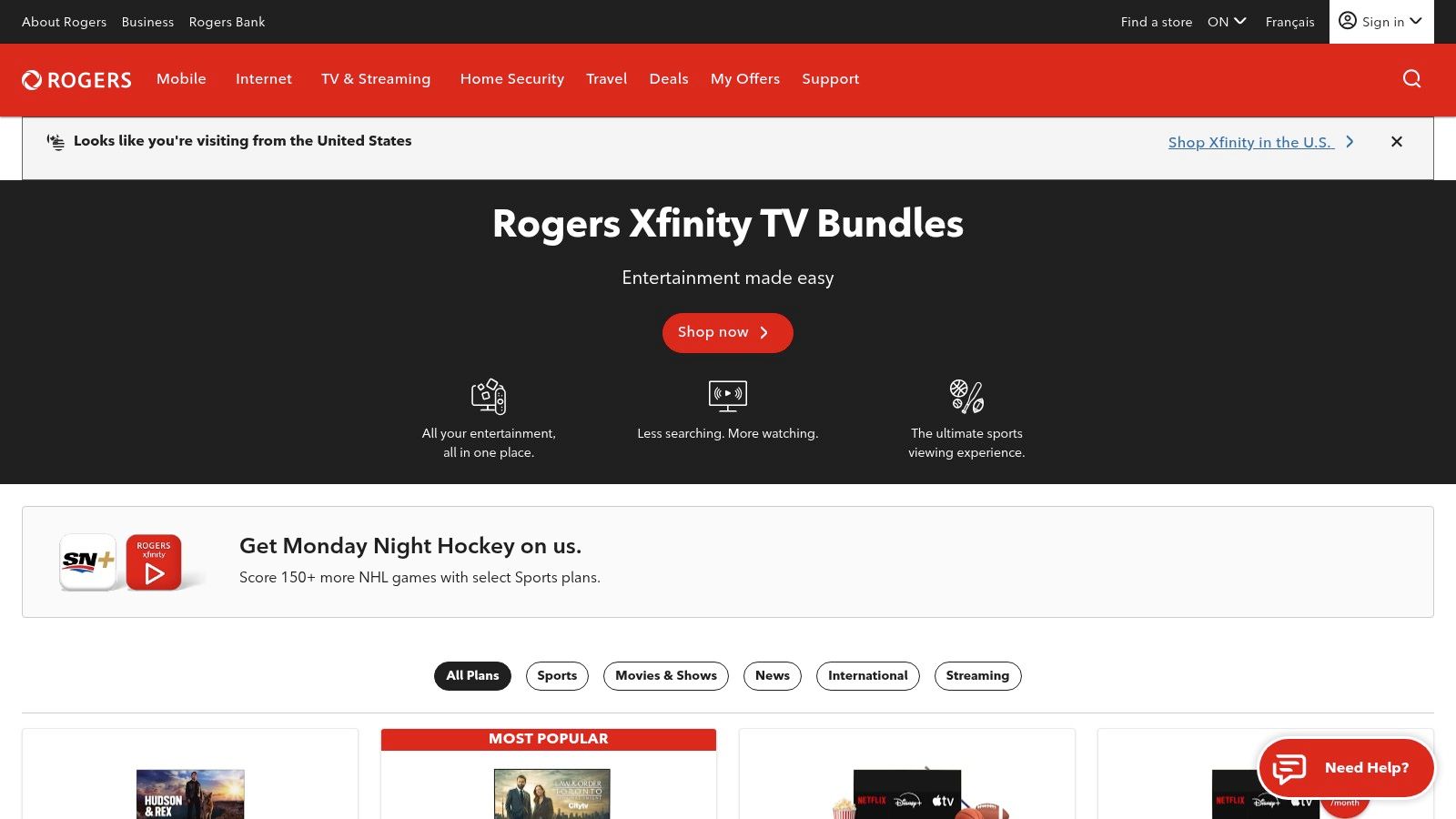
Rogers presents a choice within the choice: a streaming-first App TV package or a broader Xfinity TV arrangement. Compare those separately before comparing either against a standalone service.
Rogers' television plans advertise App TV with 70+ channels, alongside fuller Xfinity TV packages; App TV requires Rogers internet. That makes it an option for eligible internet customers, not an internet-provider-independent app subscription.
Best for: Existing Rogers internet households deciding whether they need app-based television or a fuller package with equipment. The broader packages may suit viewers who want more channel choices and a conventional living-room setup.
Bundle check: A cheaper television add-on isn't necessarily a cheaper household bill if you must change internet service to qualify.
Separate App TV from full Xfinity TV
- Price transparency: Compare the required internet plan, TV charge, equipment, and regular price after promotional credits expire.
- Trial and refund: Confirm cancellation rules and whether any returned equipment affects the final bill.
- Device support: Check Xfinity Stream compatibility for your exact device and subscription.
- Connections: Establish simultaneous-stream limits, including any restrictions outside the home.
- Availability: Confirm the regional lineup and address eligibility.
Trade-offs: App TV can avoid buying a broader television package you don't need, but the internet requirement limits flexibility. Full Xfinity TV offers a different balance of equipment, programming, and cost.
Use the guide to streaming services in Canada to distinguish live-TV access from separate on-demand subscriptions. Before purchasing, identify which advertised streaming services are included and which merely appear as accessible apps.
7. Videotron Helix TV
For a Quebec household, French-language channel selection can be the deciding factor, not a secondary feature. Videotron Helix TV belongs on that shortlist, particularly when comparing local programming and a conventional television experience.
What it is: Videotron's television service includes Helix TV and Helix TV App options, with live channels, on-demand viewing, and preassembled or customized selections. Full Helix equipment also supports features such as voice search and access to supported streaming apps.
Best for: Quebec viewers who want to compare French-language, regional, international, and sports programming within an address-eligible television service. It isn't a nationwide substitute that every Canadian household can order.
Decide whether you need the terminal
Compare the full television service with the app plan before choosing equipment. A household watching mainly on supported devices may have different needs from one that wants a dedicated terminal and remote in the living room.
- Price transparency: Separate internet, television, equipment, and optional channels in the quote.
- Trial and refund: Confirm cancellation procedures and equipment-return conditions before activation.
- Device support: Verify the Helix TV app on each intended screen.
- Connections: Check concurrent viewing limits rather than assuming every installed app can play simultaneously.
- Availability: Confirm the service address and the channels included in that location's package.
Trade-offs: Custom channel selections can help avoid an oversized fixed lineup, but premium choices can still raise the total. Access to a streaming app also doesn't mean its subscription is included.
Before subscribing, check the specific French-language programmes and sports feeds you want. The Helix TV app doesn't include subscriptions to third-party services such as Netflix or Prime Video, so keep those costs separate when comparing your entertainment budget.
How the seven options compare on trial or refund terms and device support
| Item | Trial or refund offer | Device and app support | Best for |
|---|---|---|---|
| Rove IPTV Canada | 24-hour trial without a credit card; advertised seven-day money-back offer | Smart TVs, streaming devices, phones, tablets, and laptops | Households seeking broad international and Canadian content across multiple devices |
| VMedia TV | No trial or refund offer specified | Supported streaming devices | Viewers who want Canadian channels with flexible theme packs |
| RiverTV | Advertised 30-day free trial | App-based viewing; specific supported devices not specified | Viewers seeking a lower-cost, standalone live-TV and on-demand service |
| Bell Fibe TV | No trial or refund offer specified | Fibe TV app on supported devices for eligible subscribers | Existing Bell customers who want live TV and app access |
| TELUS Optik TV | No trial or refund offer specified | App access on supported devices | Households seeking customizable traditional TV packages |
| Rogers Xfinity TV / App TV | No trial or refund offer specified | Xfinity Stream app on supported devices | Rogers internet customers seeking App TV or broader TV packages |
| Videotron Helix TV | No trial or refund offer specified | Companion viewing app and supported Helix equipment | Quebec viewers seeking French-language and customizable channel options |
Test, Verify, and Compare Before You Commit
Choose the service type first, then test the closest match. If you want an independent IPTV-style setup, use our short trial on your own equipment. If RiverTV's smaller lineup fits, use its advertised trial to check everyday viewing rather than assuming it replaces a full television bundle.
Affordability deserves a complete calculation. Statistics Canada reports that prices for video and audio subscription services rose 21.0% between 2019 and 2024. Compare the subscriptions you'll keep, including add-ons, equipment, taxes, and any required internet plan.
Run the same household test
- Check must-have channels: Open the exact news, entertainment, and language channels you watch regularly.
- Test sports carefully: Verify the event, regional feed, and access conditions. A sports category alone doesn't confirm coverage of a particular match.
- Use your real devices: Test the living-room television, bedroom streaming device, and mobile app where relevant.
- Try concurrent viewing: Have household members watch different programmes at the same time.
- Contact support: Send a specific channel or setup question before purchasing and assess whether the answer resolves it.
If playback stalls, compare Wi-Fi with a wired connection where possible. Restart the player, check for app updates, and test another channel to distinguish a device or network problem from a feed-specific issue. Don't treat a single successful stream as proof that every channel will behave identically.
Keep the terms in writing
Save the checkout summary, refund conditions, renewal rules, and tax treatment. Confirm whether the offer depends on your address, internet provider, or a promotional term. For a multi-viewer home, make sure the purchased connection allowance covers concurrent use, not just device registration.
Also verify the operating business and content authorization. A large channel list, high-resolution label, or low price doesn't establish distribution rights. Quebec and French-language households should compare Helix's actual programming against the other eligible options.
The best choice is the one that passes your household test without unclear costs or access conditions. Compare available plans, confirm supported devices, and request a trial only when the package fits your checklist.
ROVE Canada offers Canadian and international live television, sports, and on-demand entertainment, with flexible subscription and multiple-connection options. Visit Rove IPTV Canada to compare available packages and request a free trial before committing to a paid subscription.

No Responses